

For users seeking a versatile multimedia solution, VidMate offers comprehensive video and audio downloading capabilities directly on Android devices. This powerful application enables seamless access to content from multiple platforms while providing built-in playback features. The app particularly benefits social media enthusiasts, music lovers, and anyone looking to build their offline media library without switching between multiple applications.
Effortless Multimedia Content Downloading
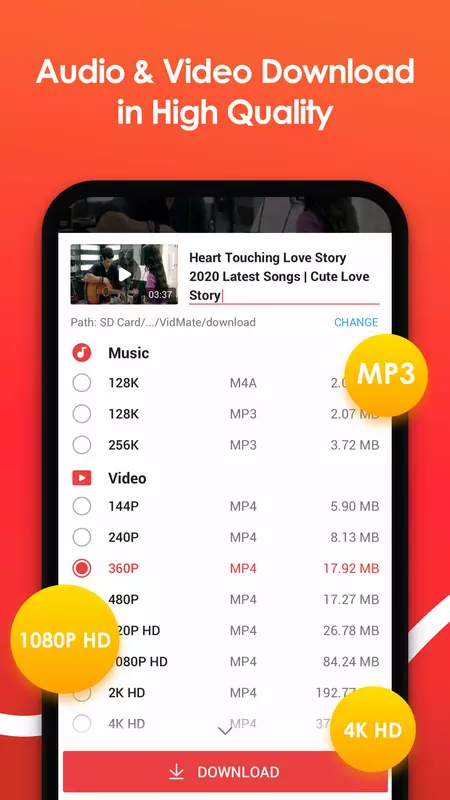
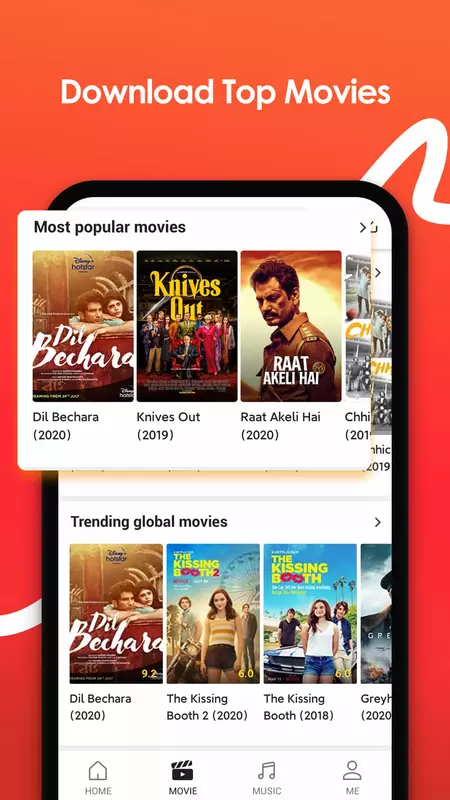
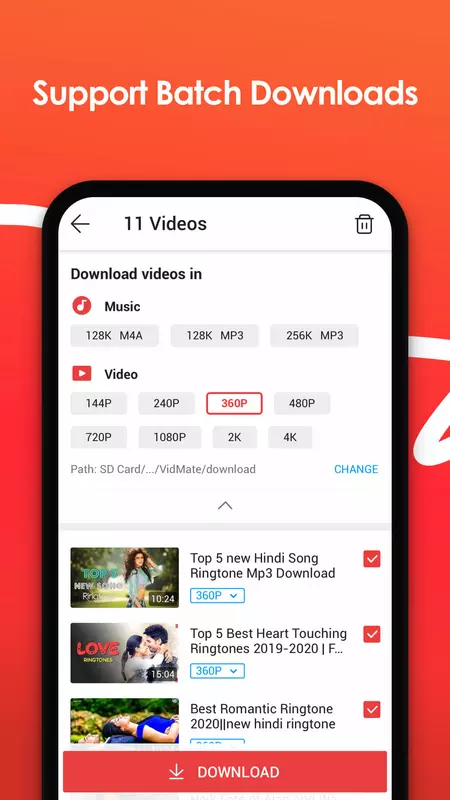
VidMate simplifies the process of saving videos and music from various online sources with just a few taps. Users can download their favorite content from supported platforms by simply pasting links or browsing within the app’s integrated browser. The download manager handles multiple files simultaneously while maintaining quality options suitable for different storage capacities and playback preferences.
Integrated Media Player Functionality
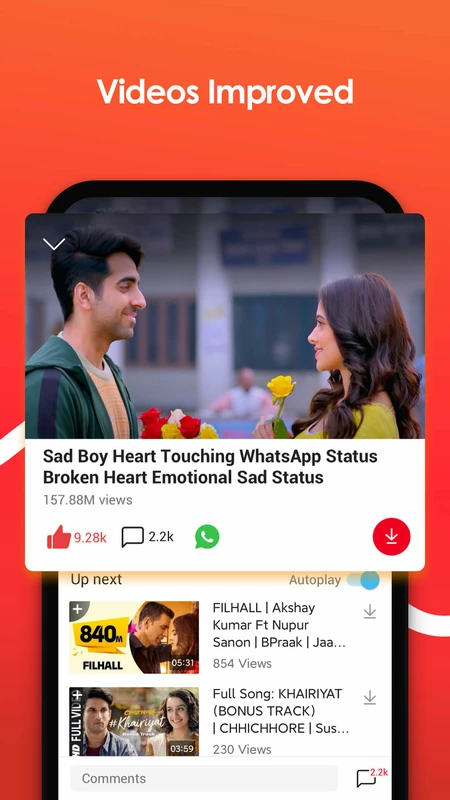
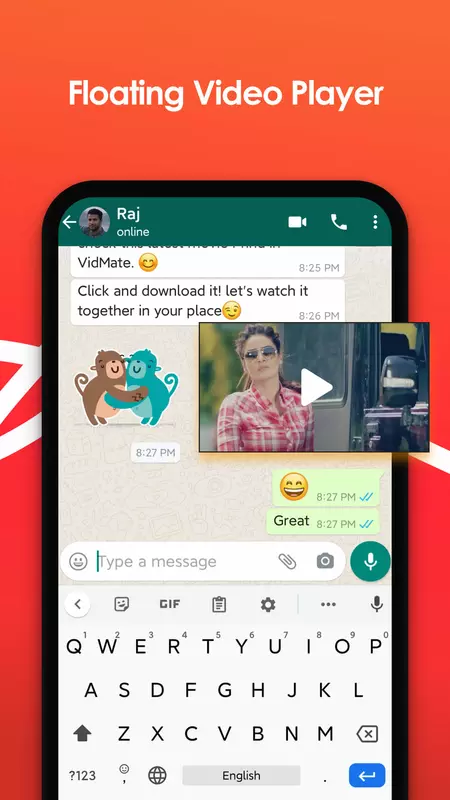
The application includes a robust media player that eliminates the need for separate video playback software. Users can immediately watch downloaded content within the same interface where they manage their downloads. This integrated approach provides smooth playback for various video formats and includes standard controls for play, pause, and seek functionality.
Broad Platform Compatibility
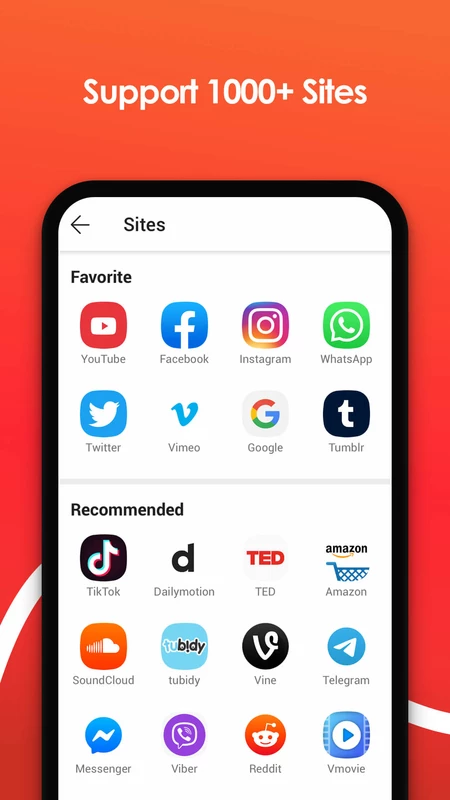
This tool supports content acquisition from numerous popular video and music hosting services across the web. Whether users want to save trending clips from social networks or archive educational content from video platforms, the app maintains consistent performance. The compatibility extends to various file formats, ensuring downloaded content remains accessible across different devices and media players.
Organized Media Library Management
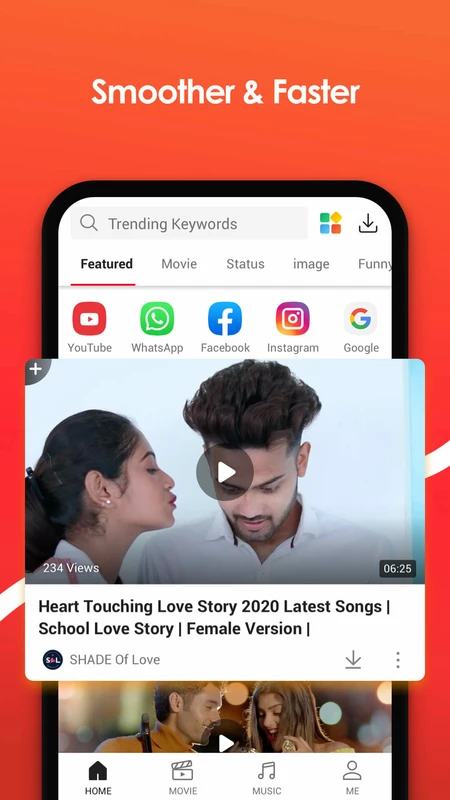
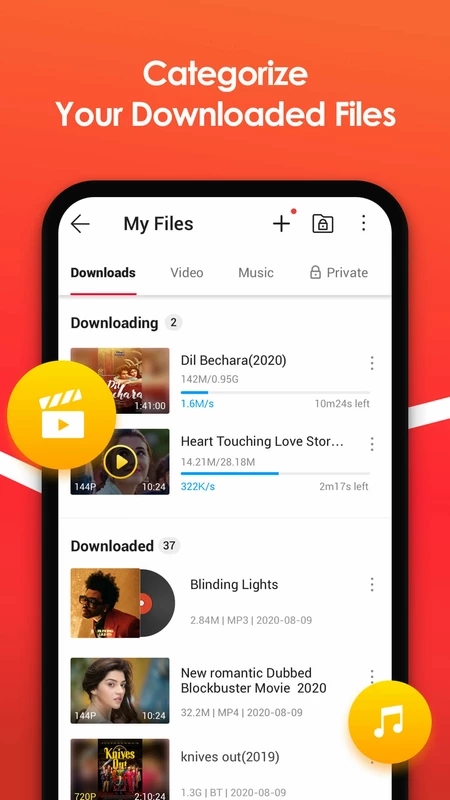
VidMate automatically categorizes downloaded content into intuitive sections for videos, music, and other media types. The system maintains proper file organization with metadata preservation where available, making it simple to locate specific items later. Users can create custom collections and playlists without navigating through complex folder structures in their device storage.
Background Download Processing
The application efficiently handles download tasks while users continue with other activities on their devices. This background operation doesn’t interrupt multitasking and provides notifications upon completion. The system manages network usage intelligently, pausing downloads during poor connectivity and resuming automatically when stable connection returns.
Frequently Asked Questions
The app supports downloading videos and audio files from various online platforms. Users can save content in multiple quality levels depending on source availability and their storage preferences.
Like most download applications, it needs storage access to save files and network connectivity to retrieve content. These standard Android permissions ensure proper functionality for media downloading and organization.
Yes, downloaded media files are stored in standard formats compatible with most media players. Users can transfer these files to other devices through standard sharing methods available on their Android system.
The application typically provides options for various quality levels when available from the source platform. Users can select their preferred balance between file size and visual quality before initiating downloads.